
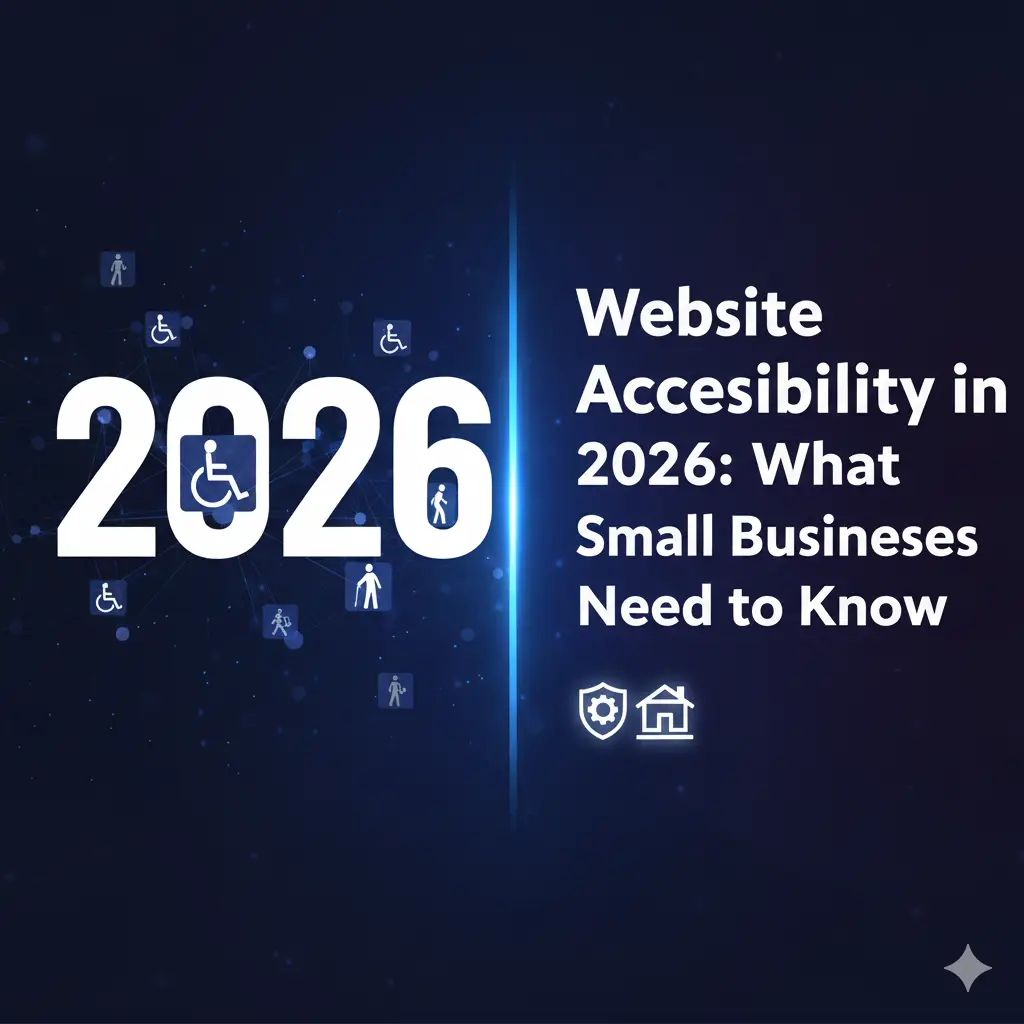
Website Accessibility in 2026: What Small Businesses Need to Know
December 4, 2025
EU-Funded AI Master’s Courses Now Accepting Applications
December 16, 2025Make your website usable for everyone — and stay compliant!
1. Conduct an Accessibility Audit
- Use free tools like WAVE or axe to scan your website.
- Identify issues with navigation, color, text, and multimedia.
- Optional: hire a consultant for complex sites.
2. Add an Accessibility Statement
- Briefly describe your site’s accessibility efforts.
- Provide a contact method for feedback or help.
- Update regularly as your website evolves.
3. Improve Images
- Add alt text for all images.
- Describe images clearly and concisely.
- Avoid using images of text unless necessary.
4. Ensure Readable Text
- Use high contrast between text and background.
- Avoid very small font sizes.
- Stick to clean, legible fonts.
5. Make Navigation Accessible
- All buttons, links, and forms must be keyboard-friendly.
- Provide clear headings and logical page structure.
- Ensure menus are easy to use with assistive technologies.
6. Caption Multimedia
- Provide captions or transcripts for all videos.
- Include audio descriptions when needed.
- Make podcasts or audio content accessible if possible.
7. Simplify Content
- Use plain language wherever possible.
- Break text into short paragraphs and lists.
- Use headings to organize information clearly.
8. Test Mobile & Responsive Design
- Ensure your website works well on smartphones and tablets.
- Check that touch targets (buttons, links) are large enough.
- Make sure assistive technology works on mobile devices.
9. Keep Accessibility Ongoing
- Test new pages, products, or features before launch.
- Fix any issues promptly.
- Include accessibility checks in your website maintenance routine.
10. Use Helpful Tools
- Plugins for WordPress: WP Accessibility, One Click Accessibility.
- Checklists & Guides: W3C WAI, Accessibility Ireland.
- Automated Testing Tools: WAVE, axe, Lighthouse (Chrome DevTools).
Tip: Accessibility improves all users’ experience, not just people with disabilities. It’s a legal requirement in the EU, but it’s also good business — it helps your site reach more visitors and creates a better impression.