
The best Irish Digital Marketing Agencies
October 29, 2025
2026 Website Accessibility Checklist for Small Businesses
December 4, 2025In 2026, website accessibility is no longer optional. Laws like the European Accessibility Act (EAA) now require many businesses — including private companies — to make websites and apps usable for people with disabilities. For small business owners, this isn’t just a legal requirement: it’s also a chance to reach more customers and improve your online user experience.
Why accessibility matters
- Legal compliance: In the EU, public and many private websites must follow accessibility standards. Non-compliance can result in fines or restrictions.
- Better customer experience: Accessible websites are easier for everyone to use — not just people with disabilities. Clear navigation, readable text, and captions benefit all users.
- Broader audience: Making your website accessible opens your products and services to more people, including those with visual, hearing, or motor impairments.
Simple steps for small businesses
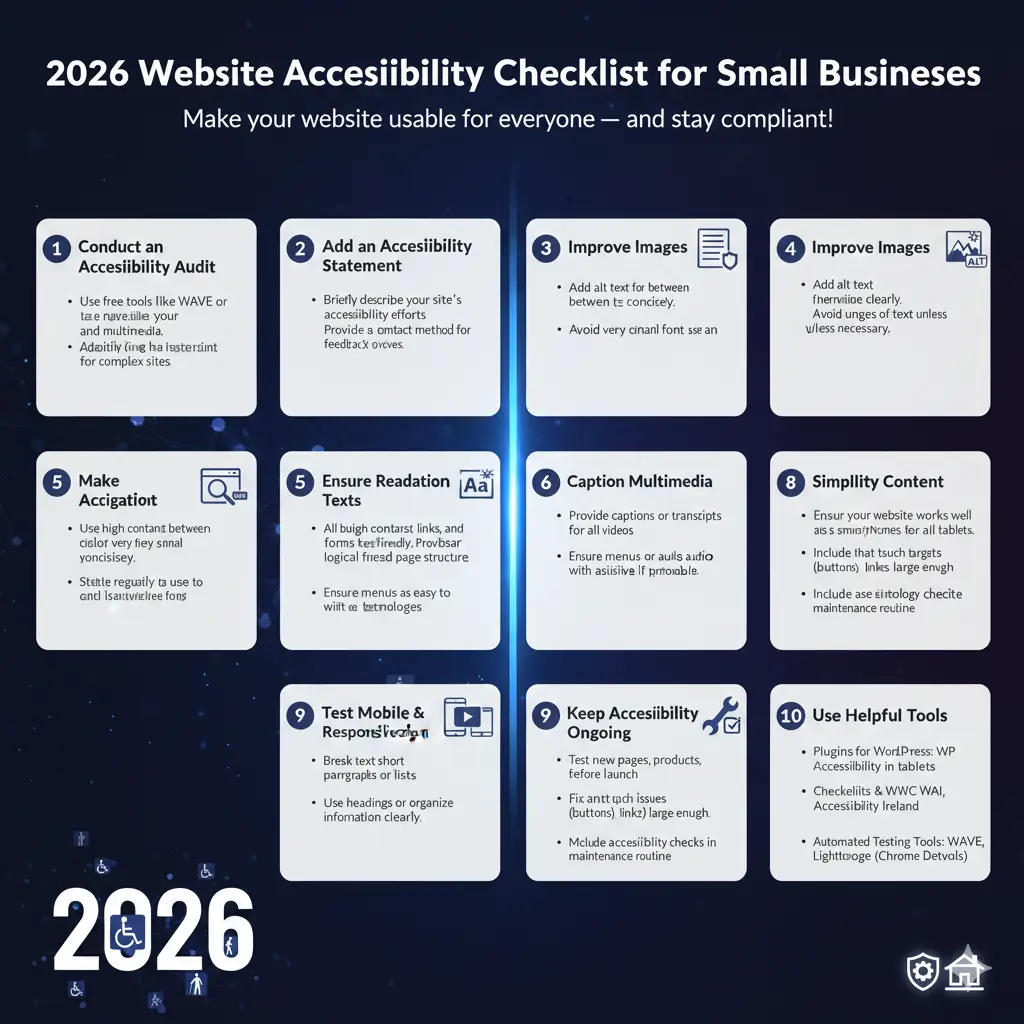
- Audit your website:
- Use free or affordable online tools (like WAVE, axe, or Siteimprove) to check for basic accessibility issues.
- Consider hiring an accessibility consultant if your site is complex.
- Add an accessibility statement:
- Clearly tell visitors what you’ve done to make your site accessible.
- Provide a contact for users to report any issues.
- Fix common issues:
- Add alt text to images so screen readers can describe them.
- Ensure color contrast is sufficient for readability.
- Make all buttons, links, and forms usable with a keyboard.
- Provide captions or transcripts for videos.
- Use accessible design from the start:
- Choose readable fonts and avoid very small text.
- Organize content with headings and lists for easy navigation.
- Keep language simple and clear for all users.
- Maintain accessibility over time:
- Test your site whenever you add new pages, products, or features.
- Update your accessibility statement regularly.
Tools and resources for small businesses
- WAVE Web Accessibility Tool: Free tool to check pages for accessibility issues.
- axe Accessibility Scanner: Browser plugin for developers to find and fix accessibility problems.
- WordPress plugins: Many small-business sites run on WordPress; plugins like WP Accessibility or One Click Accessibility can help implement fixes easily.
- Online guidance: Resources from Web Accessibility Initiative (WAI) and Accessibility Ireland provide free tutorials and checklists.
Bottom line
Accessibility isn’t just about avoiding fines — it’s about making your website usable for everyone. Small businesses can take simple steps to meet legal requirements, improve user experience, and expand their reach.
By auditing your site, fixing key issues, and maintaining accessibility over time, even a small website can comply with 2026 regulations and create a better online experience for all visitors.